

Spam texts are relentless. The average person receives around 41 spam messages per month, which works out to one or two unwanted text messages every single day. Most people instinctively hit "reply STOP" or tap a link to see what it is. Both moves can make things considerably worse. This guide walks you through exactly what spam texts are, how to spot them reliably, and the specific steps to block, report, and prevent them from clogging your inbox in the first place.
Table of Contents
- Key takeaways
- What spam texts are and why you get them
- How to spot a spam text
- How to block and report spam texts
- Preventing spam texts: practical steps
- What to do after interacting with a spam text
- My honest take on managing spam texts
- Protect your digital life with Digital-guardian
- FAQ
Key takeaways
| Point | Details |
|---|---|
| Never reply to spam | Replying confirms your number is active and can increase the volume of messages you receive. |
| Report to 7726 | Forwarding spam texts to 7726 helps carriers detect and block senders at the network level. |
| Use built-in filters | Both iPhone and Android have native spam protection features that sort unwanted messages automatically. |
| Limit your number exposure | Sharing your mobile number less online reduces the chance of it being sold to spammers via data brokers. |
| Layered defence works best | Combining device filters, user reporting, and cautious behaviour produces the strongest results. |
What spam texts are and why you get them
Spam texts are unsolicited messages sent to your phone without your genuine consent. They differ from legitimate marketing messages in one key way: you never meaningfully agreed to receive them. Under FCC one-to-one consent rules that took effect in January 2025, real marketing texts require specific consent for each individual brand. If you signed up for one retailer's newsletter and suddenly receive texts from a dozen unrelated companies, those extra messages are spam, full stop.
So why does your number end up on these lists? There are several common pathways:
- Data brokers collect and sell mobile numbers scraped from public sources, app sign-ups, and website forms.
- Database breaches from retailers, health services, or loyalty programmes expose your number to bad actors.
- Number harvesting occurs when you enter competitions, fill out surveys, or tick a pre-checked consent box without noticing.
- Random number generation by spam software dials or texts sequentially through number ranges until it finds active lines.
- Email-to-SMS gateways let spammers send messages from email addresses instead of phone numbers, which makes standard number-blocking ineffective against them.
Common spam tactics include smishing (SMS phishing designed to steal credentials), fake parcel delivery alerts, lottery scam notifications, and impersonation of banks or government agencies. Each one is engineered to trigger a fast, emotional reaction before you think critically. Recognising that pattern is the first layer of your defence.
How to spot a spam text
Most spam messages share a handful of tells. Once you know what to look for, a suspicious message becomes obvious within seconds.
Red flags to watch for:
- The sender is an unknown number, a string of random digits, or an unfamiliar email address appearing in your message thread.
- The message is generic, addressing you as "customer" or "winner" rather than by name.
- There is a strong sense of false urgency in the message, such as "Your account will be suspended in 24 hours" or "Claim your prize before midnight."
- The link uses a shortened URL, a misspelled domain, or a string of random characters.
- The message asks you to confirm personal details, banking information, or a one-time passcode.
Legitimate organisations generally do not ask for sensitive information via SMS. Your bank will never text you asking you to enter your PIN via a link. Australia Post will not ask you to pay a customs fee through an unknown URL.
Device-level filters can do a lot of the heavy lifting here. iPhone's Filter Unknown Senders setting sorts messages from contacts you do not know into a separate folder, keeping your main inbox cleaner. Android's Google Messages app has a built-in spam protection feature that flags suspicious messages before you even see them. Enabling both takes under a minute and immediately reduces your exposure.
Watch out especially for spoofed short codes. Scammers can make their sender ID look like a legitimate business name or replicate a short code your bank actually uses. If a message from what appears to be your bank asks you to click a link, open your banking app directly rather than engaging with the text.
Pro Tip: When a text claims to be from a company you use, go directly to that company's official website or app to verify. Never use the contact details or link provided in the suspicious message itself.
How to block and report spam texts
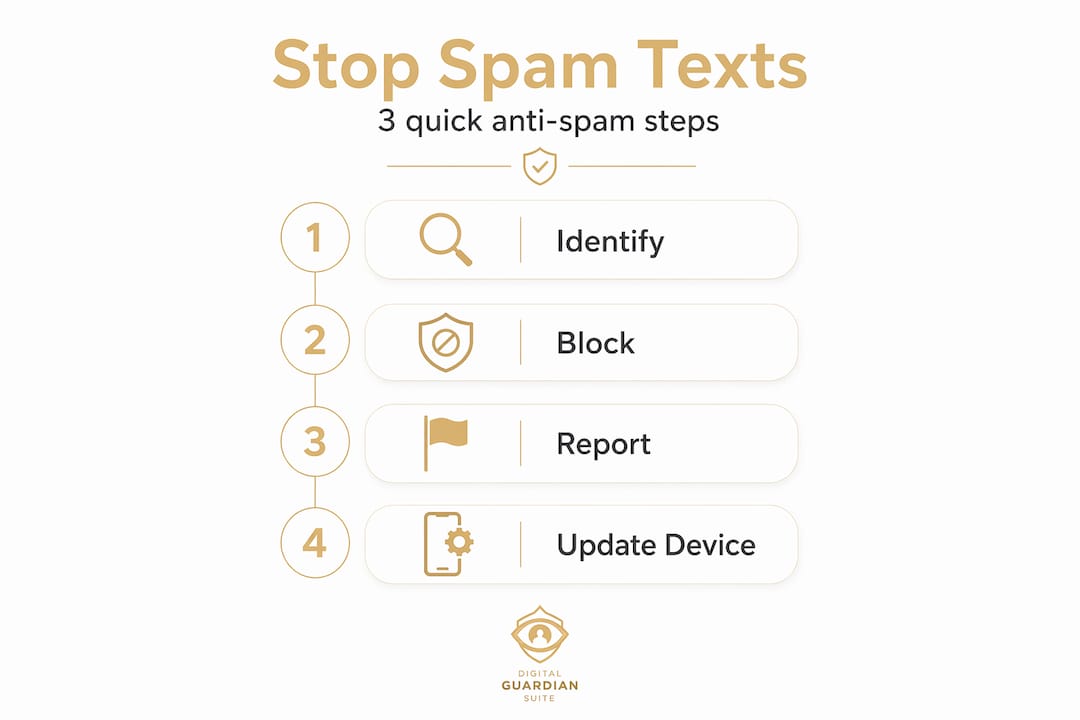
Blocking and reporting are two different actions with different outcomes. Blocking stops that specific number reaching you again. Reporting helps your carrier and the wider network identify and shut down the sender. You want to do both.
Step-by-step guide to blocking and reporting:
- Block the sender on iPhone. Open the message, tap the sender's number at the top, select "Info," scroll down, and tap "Block this Caller."
- Block the sender on Android. Open the message thread, tap the three-dot menu in the top right corner, and select "Block and report spam."
- Forward the message to 7726. Forwarding spam to 7726 (which spells SPAM on a keypad) sends the message content to your carrier for analysis. Australian carriers including Telstra, Optus, and Vodafone participate in this reporting system.
- Mark the message as junk or spam. On iPhone, tap "Report Junk" beneath an unknown sender's message. On Android, use the spam report option in Google Messages. This triggers carrier-level reporting and contributes anonymously to network-wide blocking over time.
- Report to the ACMA. The Australian Communications and Media Authority accepts reports of spam SMS via its website. For scam attempts, you can also report to Scamwatch at scamwatch.gov.au.
- Never reply. Not even to say "STOP." Replying confirms your number is active and monitored, which can increase the volume of spam you receive and result in your number being sold to other spammer networks.
One important limitation to understand: blocking individual numbers has a ceiling. Spammers constantly rotate numbers to evade blocking, so the same sender can reach you again within hours from a completely different number. Consistent reporting is what actually shifts the balance over time, because it feeds carrier detection algorithms with enough data to act.
Pro Tip: Make reporting a two-second habit every time a spam text lands. You may not notice a difference immediately, but carrier systems build blocking profiles from aggregated reports across thousands of users.

Preventing spam texts: practical steps
Prevention splits into two categories: behaviour changes and technical measures. Both matter.
Behaviour changes that reduce exposure:
- Avoid entering your mobile number on websites unless it is genuinely necessary. Many forms offer a phone field that is entirely optional.
- Read privacy policies before submitting your number anywhere, especially for competitions or free downloads. Look specifically for language about sharing your details with "partners" or "third parties."
- Limiting your number's online presence reduces the chance of it being resold by data brokers and landing in spam databases.
- Use a secondary number through a free app when signing up for services you do not fully trust.
Technical measures worth enabling:
| Measure | What it does | Trade-off |
|---|---|---|
| iPhone Filter Unknown Senders | Sorts messages from unknown contacts into a separate folder | May hide legitimate texts from new contacts |
| Android Google Messages spam protection | Flags and silences suspected spam automatically | Occasional false positives |
| Carrier spam filtering services | Network-level detection before messages reach your device | Varies by carrier; may require opt-in |
| Third-party spam filter apps | Additional heuristic detection layered over device settings | Requires permissions; check privacy policy |
| VPN with malicious link protection | Blocks connections to known phishing domains if you tap a bad link | Subscription cost; some slowdown |
Keep your phone's operating system updated. Security patches regularly address vulnerabilities that spam and text message scams can exploit through malicious links. An unpatched phone is a softer target.
Pro Tip: Contact your carrier directly and ask whether they offer a free spam SMS filtering service. Telstra's Cleaner Pipes programme and similar offerings from other carriers can block many scam messages at the network level before they ever reach your handset.
What to do after interacting with a spam text
Tapping a suspicious link or sharing information does not mean the situation is hopeless. Fast action limits the damage considerably.
- Stop engaging immediately. Close any suspicious website or app that opened, and do not provide further information under any circumstances.
- Scan your device. Check for unfamiliar apps that may have been installed, and run a security scan using a trusted mobile security tool.
- Change your passwords. If you entered any credentials or personal details, change those passwords immediately, starting with banking and email accounts. Use unique passwords for each account.
- Contact your bank. If financial details were shared, call your bank directly using the number on the back of your card, not any number provided in the message. They can freeze accounts or flag suspicious transactions.
- Report the incident. Notify your carrier, report to Scamwatch, and file a report with the ACMA. Under TCPA violation rules, US residents may be entitled to $500 to $1,500 per illegal message received. Australian residents have similar recourse through the Spam Act 2003.
- Monitor your accounts. Watch for unusual activity over the following weeks. Identity theft does not always happen immediately after a breach.
If you suspect your device has been compromised at a deeper level, consider seeking professional help from a phone technician or cybersecurity service rather than attempting to resolve it yourself.
My honest take on managing spam texts
I have been across this topic long enough to know that the advice most people repeat does not match reality. The "reply STOP and you will be unsubscribed" instruction makes complete sense when dealing with a legitimate Australian business following the Spam Act. Apply it to a genuine scammer and you have just told them your number is live and worth targeting harder.
What I have found actually works is persistence combined with realistic expectations. The filtering tools on your phone are genuinely good now, far better than they were even two years ago. But they are not magic. The spammers using email-to-SMS gateways specifically to dodge number-based blocking will keep finding ways through until more of us report consistently.
The uncomfortable truth is that spam never fully disappears. Your number is already out there in more databases than you would care to know about. What you can control is how much of it reaches you and how quickly you neutralise the messages that do get through. In my experience, people who use device filters, report via 7726, and simply never engage with unknown messages reduce their effective spam exposure dramatically within a few weeks. That is not a guarantee, but it is a realistic outcome.
The mindset shift that helps most is treating spam management the same way you treat locking your front door. You do not expect the lock to make you invincible. You just make your home a harder target than the one next door.
— Darcy
Protect your digital life with Digital-guardian

Spam texts are one piece of a much larger picture. Phishing links, account takeovers, malicious apps, and data breaches all connect back to the same vulnerability: a digital life without a proper layer of protection underneath it. Digital-guardian's Digital Guardian Suite was built specifically for this. It runs quietly in the background, monitoring for threats across your device, your financial accounts, and your family's online activity without demanding your constant attention. If you are ready to stop reacting to threats one spam message at a time and start operating from a protected foundation, Digital-guardian is worth a serious look.
FAQ
What are spam texts?
Spam texts are unsolicited messages sent to your phone without your meaningful consent, often used to promote scams, steal personal information, or install malware via malicious links.
Should I reply STOP to a spam text?
Only reply STOP to messages from verified, legitimate Australian businesses. Replying to actual spam confirms your number is active and can result in receiving significantly more unwanted messages.
How do I report spam texts in Australia?
Forward the message to 7726 to alert your carrier, mark it as junk within your messaging app, and report it to the ACMA or Scamwatch at scamwatch.gov.au for scam-related content.
Why do I keep getting spam texts even after blocking numbers?
Spammers rotate phone numbers constantly and often send messages through email-to-SMS gateways, which standard number blocking cannot stop. Using carrier-level filtering and device spam protection provides more effective coverage.
Can clicking a link in a spam text harm my phone?
Yes. Malicious links in spam messages can direct you to phishing sites or trigger malware downloads. If you have tapped a suspicious link, close the site immediately, scan your device, and change any passwords you may have entered.